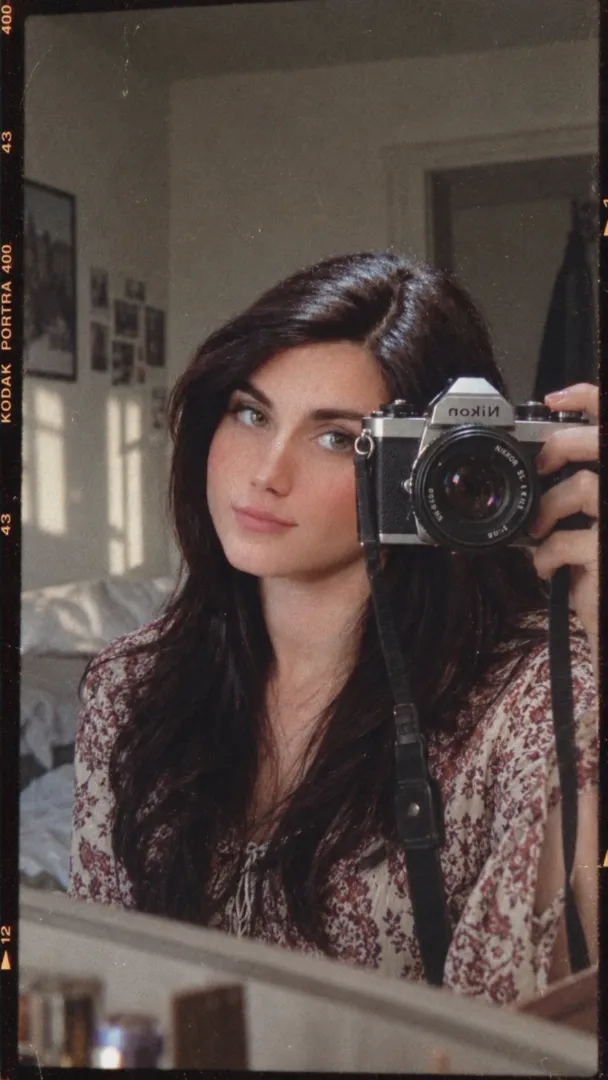
Variation 1
Same as base prompt but change the lighting to warm golden rim light from the flashlight, with soft lens flare and enhanced sunset color grading.
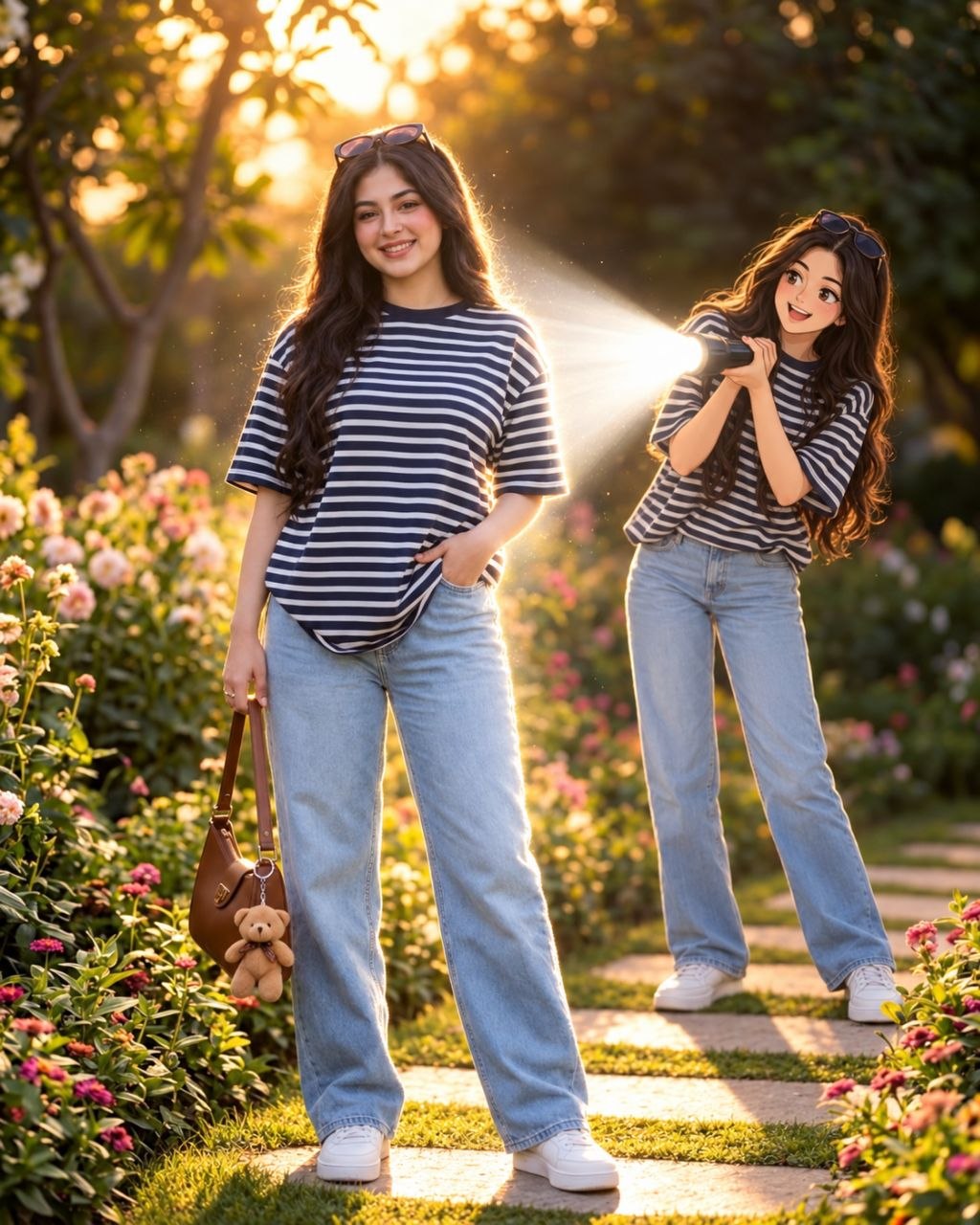
Transform an uploaded photo into a cinematic real-life and anime fusion scene with a small anime twin behind the subject and a dramatic flashlight beam.
Transform this girl uploaded photo into a cinematic real-life and anime fusion scene. Keep the main subject completely recognizable, preserving their original face, hairstyle, body proportions, clothing, accessories, pose, and overall appearance. Add a small full-body anime version of the same person standing naturally behind them, wearing the exact same outfit and matching the hairstyle and colors. Give the anime character a polished modern anime design with crisp linework, expressive eyes, subtle cel shading, and slightly exaggerated proportions. The anime character should hold a powerful flashlight directed toward the real subject's back. Create an intense realistic white light beam with strong illumination, soft atmospheric glow, bright edge lighting, realistic shadows, and subtle light particles. Slightly darken the surrounding environment to emphasize the flashlight while maintaining the original sunset/outdoor atmosphere. Preserve the original background, camera perspective, framing, and composition.
This prompt creates a striking blend of photorealism and modern anime styling by adding a small anime twin behind the photographed subject with a dramatic flashlight beam. The result emphasizes contrast and edge lighting while keeping the original person fully recognizable. It's ideal for cinematic portrait edits, promotional art, or stylized social media images. The prompt works well because it specifies exact preservation of the photo subject and clear visual controls for the anime element and lighting.
Same as base prompt but change the lighting to warm golden rim light from the flashlight, with soft lens flare and enhanced sunset color grading.
Same as base prompt but place the anime twin slightly to the left and use a narrow, focused spotlight beam with stronger smoke particles and high-contrast shadows.
Same as base prompt but use cooler, bluish-white flashlight light with subtle volumetric fog and stronger edge separation for a nocturnal cinematic mood.