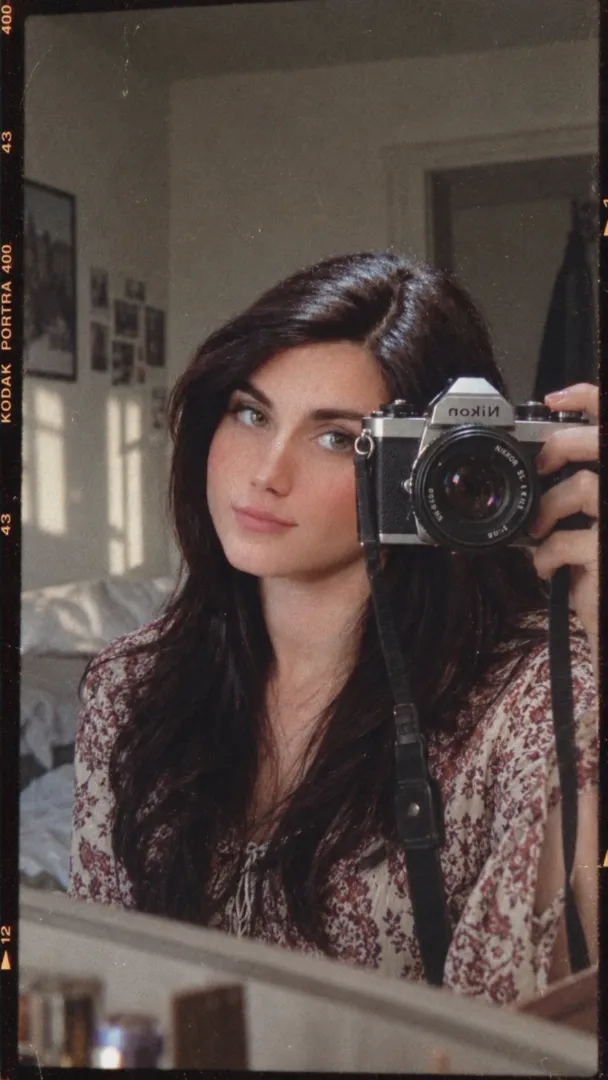
Variation 1
Same edit but use warm desaturated tones and a soft warm backlight to evoke bittersweet nostalgia; keep all UI elements and composition identical.

Dark, emotional Instagram heartbreak edit with a faded blurred background, semi-transparent profile UI, film grain, motion blur, and cinematic low-saturation grading.
Create a dark, emotional Instagram heartbreak memories edit using the uploaded photo. Keep the person's face, hairstyle, skin tone, body shape, clothes, and pose 100% unchanged. Do not modify identity. Design: • Background should be dark, faded, and slightly blurred. • Add a large semi-transparent Instagram profile interface behind the subject. • Profile picture should appear removed with a default Instagram avatar. • Username: "Instagram User" • Add Profile, Search, Mute, and Options icons. • Use a black and grey color theme with a soft vignette. • Add subtle film grain, motion blur, dust particles, and cinematic lighting. • Place the subject at the bottom center with a soft shadow. Text (large bold white font): "Moving into 2026 with your memories" Below the text add: 🥺💔 Additional effects: • Broken heart emoji 💔 • Sad emoji 🥺 • Faded chat/message overlays in the background. • Instagram aesthetic, nostalgic breakup vibe. • Moody color grading with low saturation. • High contrast, realistic photo edit. • Soft glow around the subject. • Premium viral Instagram reel thumbnail style. • Ultra HD, photorealistic, 4K quality. • No cartoon, no anime, no AI-looking face. • Keep everything natural and cinematic. Ratio 9:16
This prompt produces a moody, cinematic Instagram-style heartbreak edit that keeps the subject's identity and appearance exactly as in the original photo. It's ideal for viral reel thumbnails, nostalgic posts, or emotional storytelling on social platforms. The layered UI elements and subtle film effects create depth while preserving realism.
Same edit but use warm desaturated tones and a soft warm backlight to evoke bittersweet nostalgia; keep all UI elements and composition identical.
Same edit with cooler teal shadows and deep amber highlights for a cinematic contrast; increase film grain slightly and add faint bokeh light leaks.
Same edit with tighter vertical crop (closer to subject) and stronger vignette, keeping text and UI elements visible above the subject.